
YOUR IDEA.BUILT WITH iNSIGHTS.
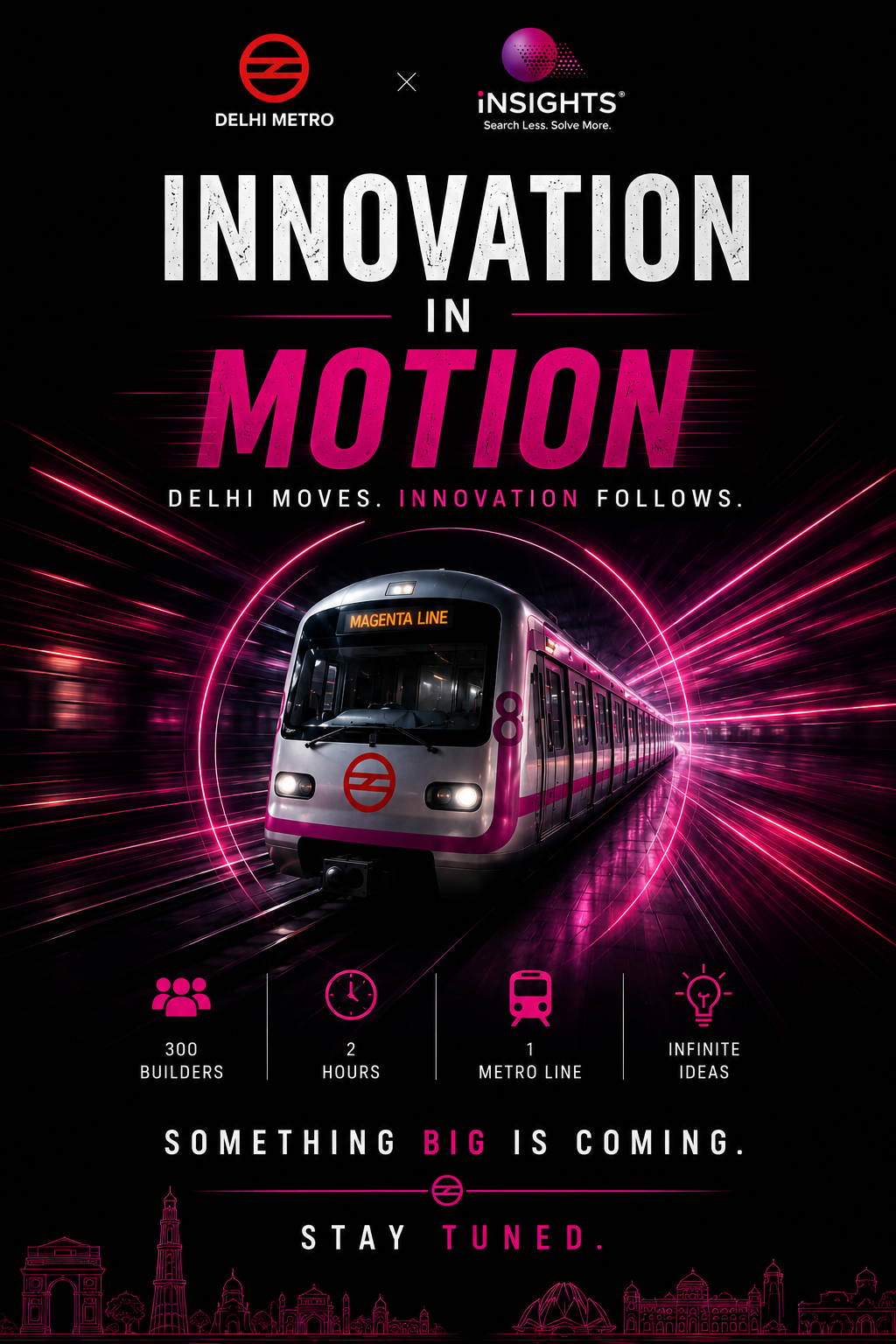
INNOVATION IN MOTION · iNSIGHTS × DELHI METRO
Submit a 1–2 page proposal, show what you created with iNSIGHTS, and take your idea closer to the live build challenge.
A 1–2 page proposal
One PDF covering your problem, solution and 120-minute build plan.
Mandatory iNSIGHTS tool usage
Builder’s HQ or Project HUB, together with Creatya.
Dashboard screenshots as proof
Show your project inside iNSIGHTS. Reviewed manually by our team.
FROM IDEA TO SUBMISSION
Register
Sign in and create your application as an individual or a team. You get an Application ID straight away.
Describe your idea
Project title, theme, problem, solution, intended users, expected impact and your 120-minute build plan.
Add your proof
Upload your 1–2 page proposal PDF, dashboard screenshots from iNSIGHTS and your Creatya output.
Review and submit
Check the preview, accept the declarations and submit. You receive an acknowledgement by email.
Track your status
Follow your application from Submitted to Under Review to the final decision on your dashboard.
KNOW BEFORE YOU SUBMIT
SUBMISSION WINDOW
15 Nov 2026 → 15 Dec 2026, 11:59 pm IST
Eligibility and entries
- Enter as an individual or as a team.
- One application per account. Team entries need a team name and can list team members.
- A valid mobile number, institution, city and state are required to register.
Proposal
- One PDF file, 1 to 2 pages, maximum 10 MB.
- A PDF with more than 2 pages, or one that cannot be read, is not accepted.
- Suggested structure: project title and team, problem and intended users, proposed solution, how iNSIGHTS was used, 120-minute build and demonstration plan, expected impact.
Mandatory iNSIGHTS tools
- Use Builder’s HQ or Project HUB (or both), together with Creatya.
- Explain how you used each tool.
- Submissions without proof of both tools are not eligible.
Screenshots and outputs
- At least one dashboard screenshot for Builder’s HQ or Project HUB, and one for Creatya.
- Screenshots: PNG, JPG or WebP, maximum 10 MB each. They must clearly show your project inside iNSIGHTS.
- Creatya output: a file (PDF, PPTX, MP4 or image, maximum 10 MB) or a link.
- Crop or hide unrelated personal information before uploading.
Submission and review
- You can save a draft and continue any time before the deadline.
- A submitted application is read-only. You can edit and resubmit only if a reviewer requests changes.
- Screenshots are reviewed manually by the iNSIGHTS team.
- Reviewer feedback and your status appear on your dashboard.
PICK YOUR TRACK
Public transport
Passenger experience
Sustainability
Safety and emergency response
Crowd and mobility intelligence
Multilingual assistance
Digital inclusion
Last-mile connectivity
Smart-city infrastructure
Citizen services
Other